> For the complete documentation index, see [llms.txt](https://docs-es.sinch.com/llms.txt). Markdown versions of documentation pages are available by appending `.md` to page URLs; this page is available as [Markdown](https://docs-es.sinch.com/documentaciontecnicawhatsapp/sinch-messaging-whatsapp-api/flujo-de-mensajes-whatsapp.md).
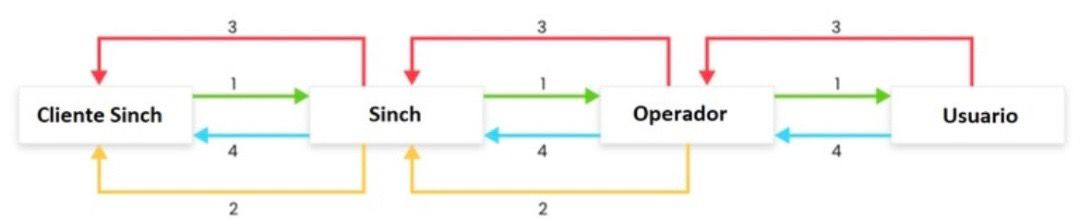
# Flujo de mensajes WhatsApp
### Pré Requisitos
1. Para utilizar la API de Sinch Messaging, primero debe tener una cuenta activa en la plataforma de Sinch. Consulte la documentación de [Cuenta y configuraciones](https://docs-latam.wavy.global/getting-started-menu/wavy-messaging-platform/cuenta-y-configuraciones) para obtener más información sobre cómo realizar este procedimiento.
2. Deberá tener un usuario y token válidos asociados a su cuenta. Puede agregar otros usuarios si así lo desea, aprenda a crear un usuario en nuestra guía [Agregar usuarios](https://docs-latam.wavy.global/permisos/subcuentas-y-usuarios).
3. Con las credenciales mencionadas anteriormente, ahora puede comenzar a usar la API Sinch Messaging.